
Power BI refresh: what to check before a report goes live
Opening a report does not tell you whether its data is current. Check the source, access, schedule and ownership so the team knows which data it is looking at.
Agree on what “up to date” means
Start with the business need. A report for a weekly meeting and a view used to check stock during the day need different refresh routines. Ask when people make decisions and how much delay would matter to them.
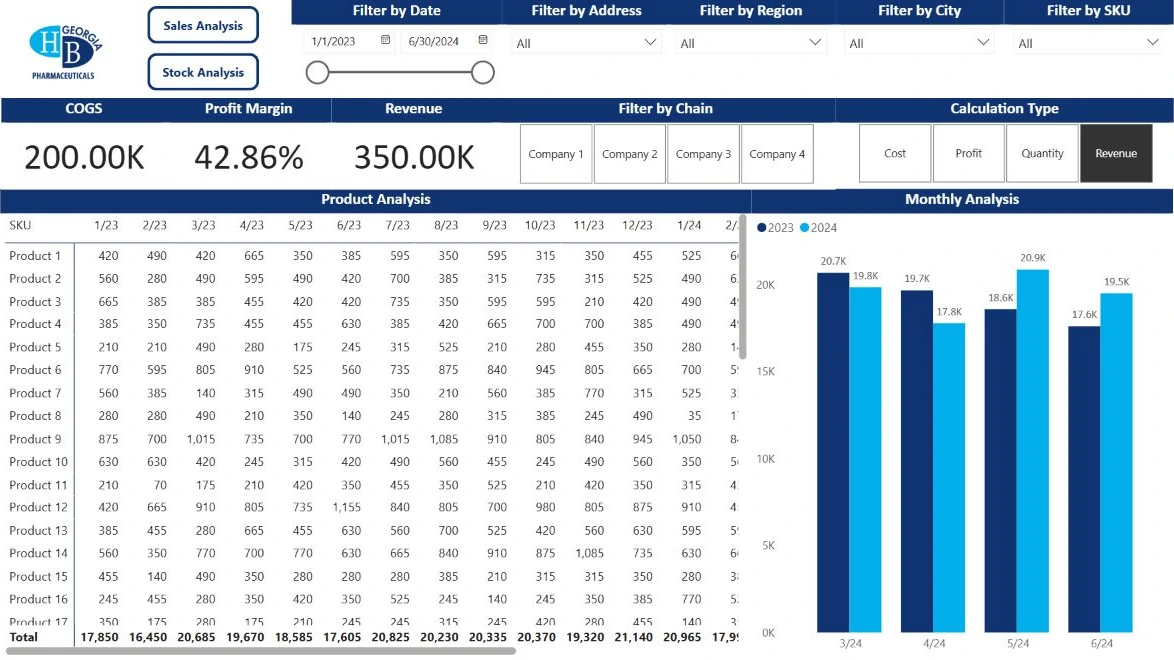
Separate the source update from the load into Power BI. Refreshing before the source finishes its own update does not make the report more useful. Show the period covered by the data and the time of the last successful refresh. This helps readers distinguish a partial day from a completed one and avoids treating a fresh-looking page as proof of current data.
Check access and the schedule together
For an imported model, scheduled refresh needs a working connection to the source. Microsoft’s setup guidance separates source credentials, a gateway where needed, and the refresh schedule. For data on a local or private network, check the relevant gateway connection as part of the setup.
Schedule the load after the source is ready and verify the time zone. A successful refresh in Desktop is not the whole test: check the published model in the service as well. Available refresh frequencies depend on the configuration and licensing, so confirm the current limits in Microsoft’s documentation before agreeing a schedule.
Plan for a failed refresh
At launch, inspect the refresh history and confirm that an accountable person will receive failure notifications. Write down where that person can see the error and who owns the upstream source. A shared mailbox without an owner is not a response process.
A password change, an unavailable connection or a renamed source column may need attention. A structural change is not always resolved by running the refresh again; the source and model may need review. After fixing the technical issue, compare the resulting numbers with a reference period. A successful load and a correct business result are related but separate checks.
Leave a short handover that someone can use
Begin the handover with one useful page rather than a long document nobody opens. List the sources and their owners, the schedule, how access is managed and the first steps for a failure. Keep passwords out of this document and use the organization’s approved secure process.
Review the handover when someone leaves the team or a source system changes. Maintenance is more than responding to an error. Periodically check that the schedule still matches how the team works and that people are using the intended version of the report.
- Owners for the source and the report
- Data period and refresh schedule
- Refresh history and notification checks
- A reference report for validation