

Before building a dashboard: seven questions for your team
Start your reporting project with a shared brief. Agree on the decision, the data and the validation before choosing charts.
Read the guidePractical guides to planning Power BI reports, working with data and keeping your reporting reliable.
Start your reporting project with a shared brief. Agree on the decision, the data and the validation before choosing charts.
Read the guide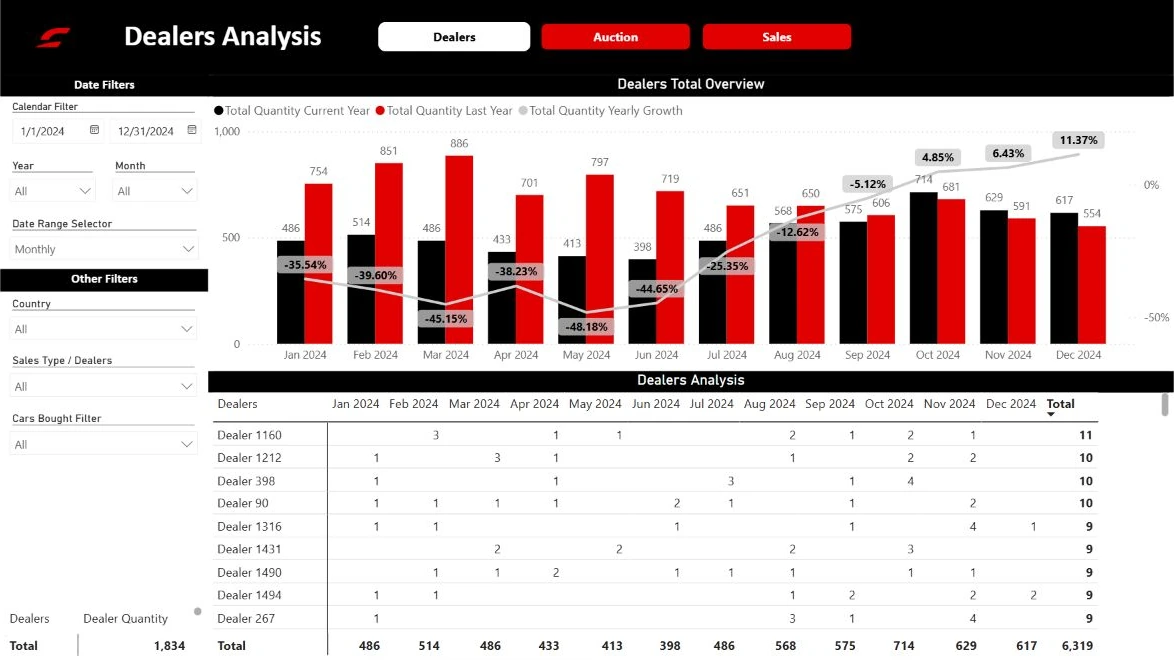
If monthly reporting starts with collecting files, look at the process first. Here is a practical way to decide what belongs in Power BI and what can stay in Excel.
Read the guide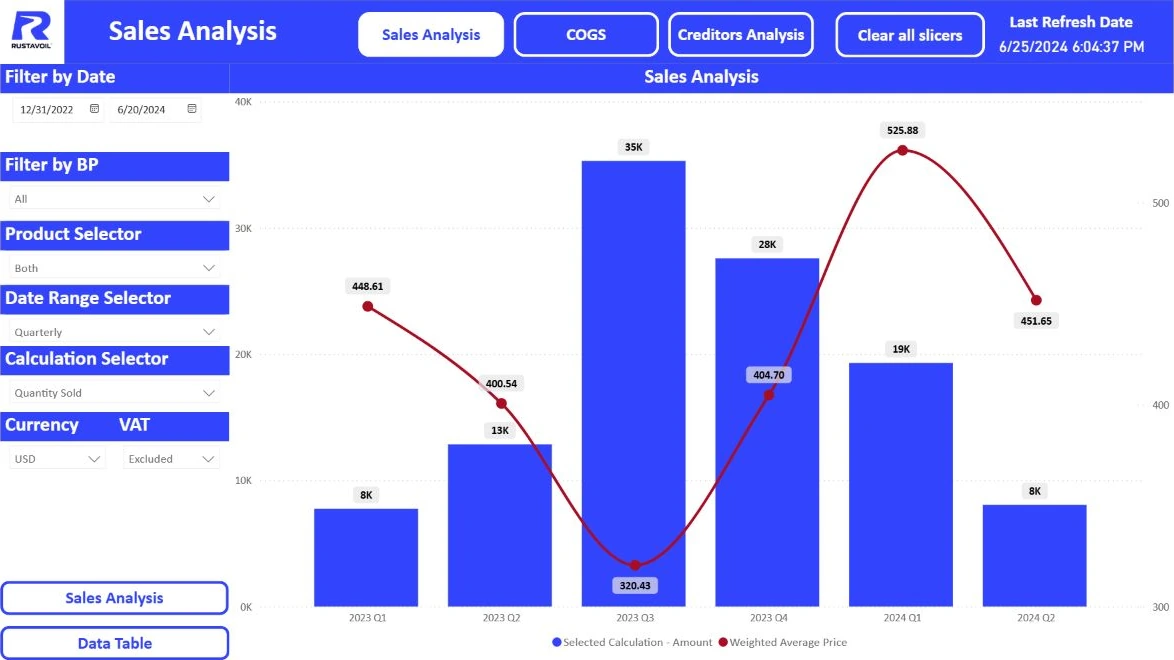
More charts do not always make a report clearer. Start with a few agreed measures and give the team a way to move from the headline number to the products behind it.
Read the guide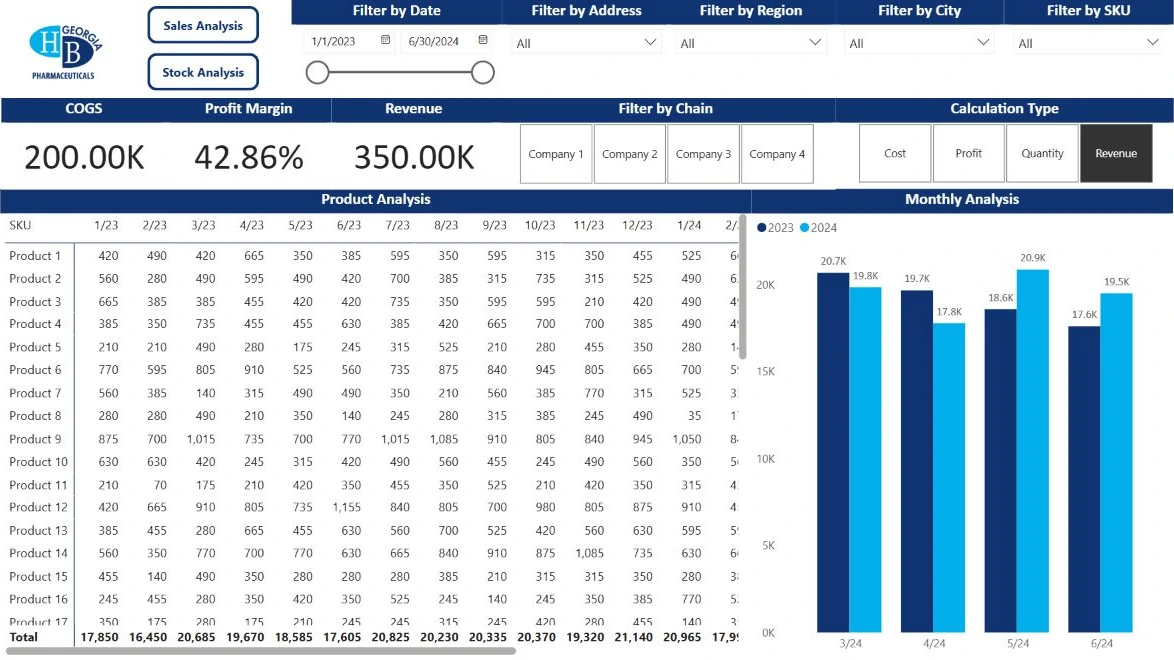
Opening a report does not tell you whether its data is current. Check the source, access, schedule and ownership so the team knows which data it is looking at.
Read the guide
ChatGPT and Claude can assist with data checks, DAX calculations and Power Query logic. Four practical examples show how to use them alongside Power BI and verify the results.
Read the guide
Consistent metrics, less repetitive reporting and a clearer view of your business. What Power BI can change, and how DataStudio helps you put it to work.
Read the guide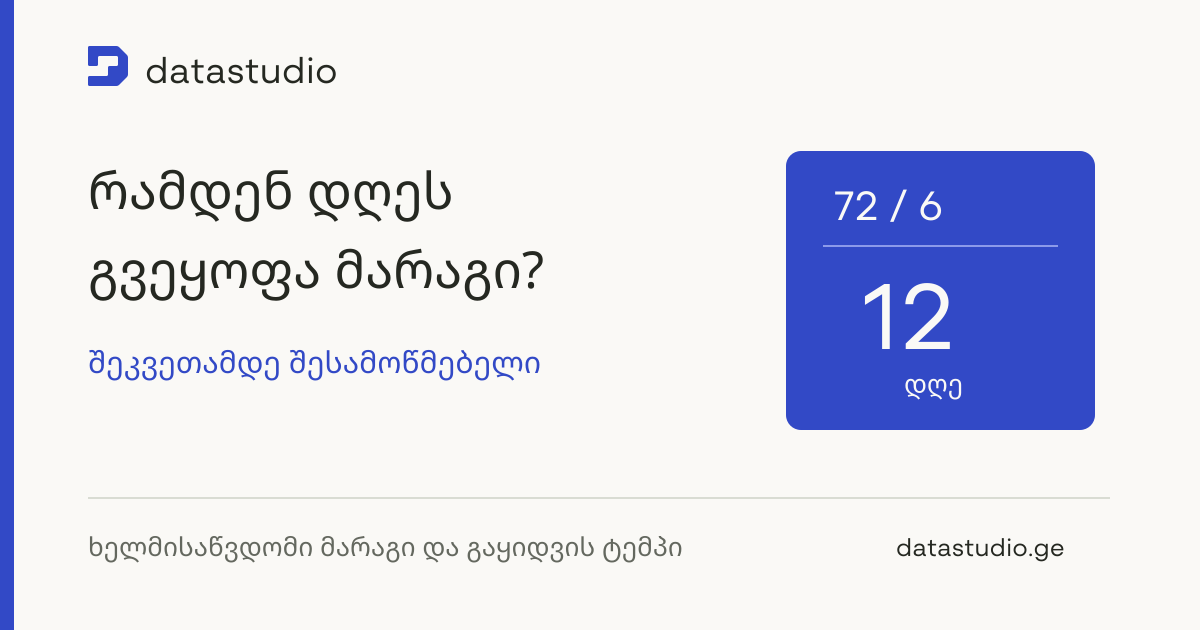
Stock on hand is only part of the picture. Before ordering, review available stock, sales pace, inbound deliveries and lead times together.
Read the guide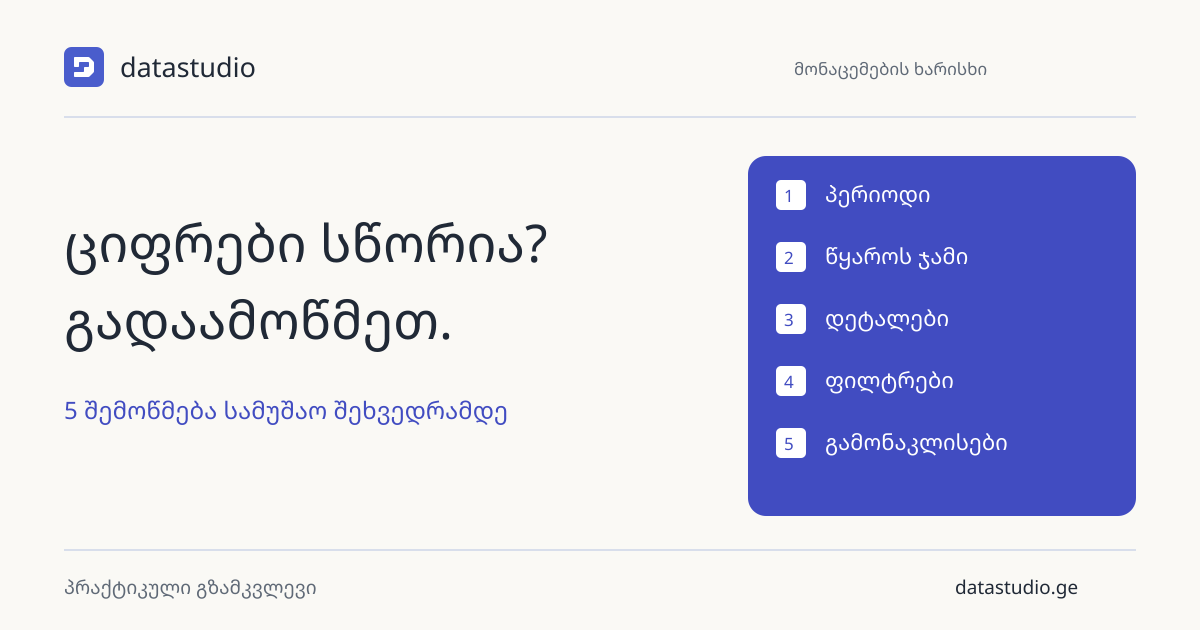
A matching total is a useful start, not a complete check. Review the period, source, detail, filters and exceptions with a repeatable routine.
Read the guideTell us what you need to understand, where your data lives and who will use the report. We’ll use that to discuss the scope and a sensible next step.
Talk to our team