
Can you trust your report? Five checks before the meeting
A matching total is a useful start, not a complete check. Review the period, source, detail, filters and exceptions with a repeatable routine.
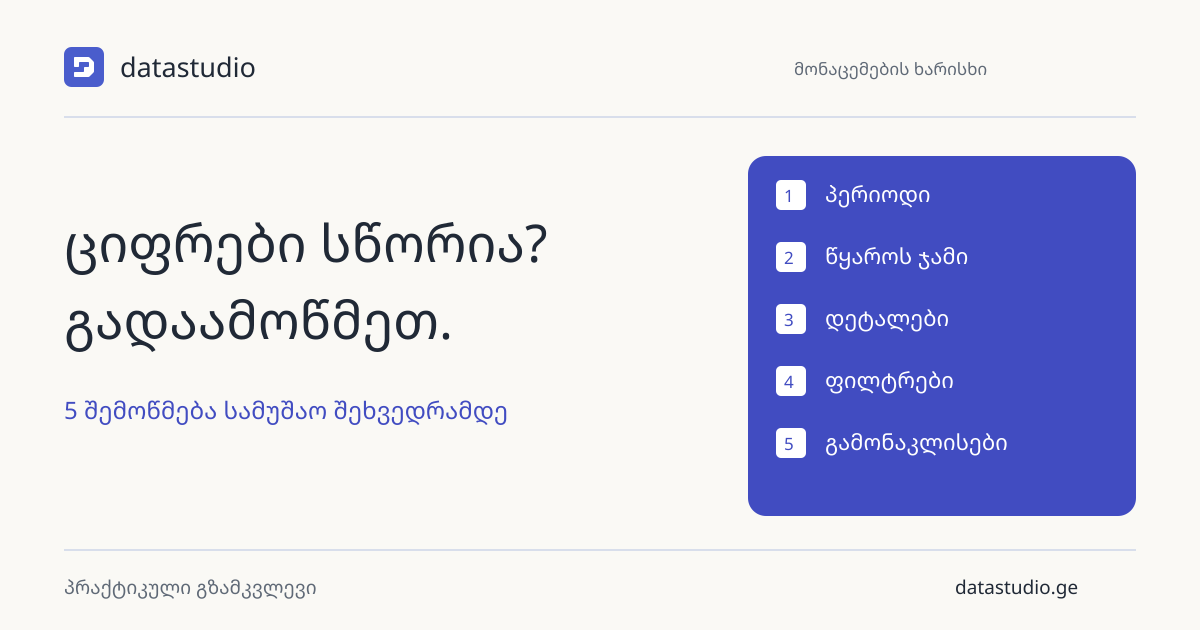
Start with the same reporting period
A useful check starts by defining what is being compared. Set the same period, currency and transaction status in the source extract and the Power BI report. Agree whether the date refers to an order, invoice or payment.
The last refresh time and the latest transaction date are different. A report refreshed this morning may contain only yesterday’s transactions. Check both and explain the distinction to the people using the report.
Move from totals to individual transactions
Compare a control total from a trusted source, then reconcile it by branch or product. In an illustrative example, the source contains branch sales of GEL 60,000 and 40,000. The report shows 55,000 and 45,000. The overall 100,000 matches, but the allocation is wrong.
Trace a few transactions through document ID, amount, product and business unit. This can expose mapping or relationship problems hidden by an accurate grand total.
Test filters and exceptions separately
Select one branch and check which visuals respond. Clear the selection and confirm the original result returns. Any intended exception, such as a company-wide target, needs a clear label.
Test a return, a cancelled document, an empty code and a period without sales. Zero, blank and missing data mean different things. Model relationships determine how filters propagate in Power BI, so test the behavior rather than relying on a visual inspection alone.
Keep a short verification record
Record the period, source and report totals, transaction samples, tested filter, unresolved difference and responsible person. Repeat the same sequence after the next update. You do not need to inspect every row manually, but your sample should include difficult cases.
If a discrepancy remains, attach a specific note. When discussing an existing report with DataStudio, bring a control example showing the source value and the result displayed in the report. That gives the investigation a concrete starting point.