Choose an as-of date
A receivables report describes a position at a particular point in time. A November payment should not be included in an October 31 historical balance. Display the as-of date explicitly.
Distinguish the invoice date from the due date. An invoice issued two weeks ago may not yet be overdue. Measure lateness against the agreed payment deadline, not simply the age of the document.
Open amounts and aging buckets
For an illustrative GEL 1,000 invoice with a GEL 400 payment and no other adjustments, the open balance is 600. That is the actionable amount. Payments need to be allocated to the correct document.
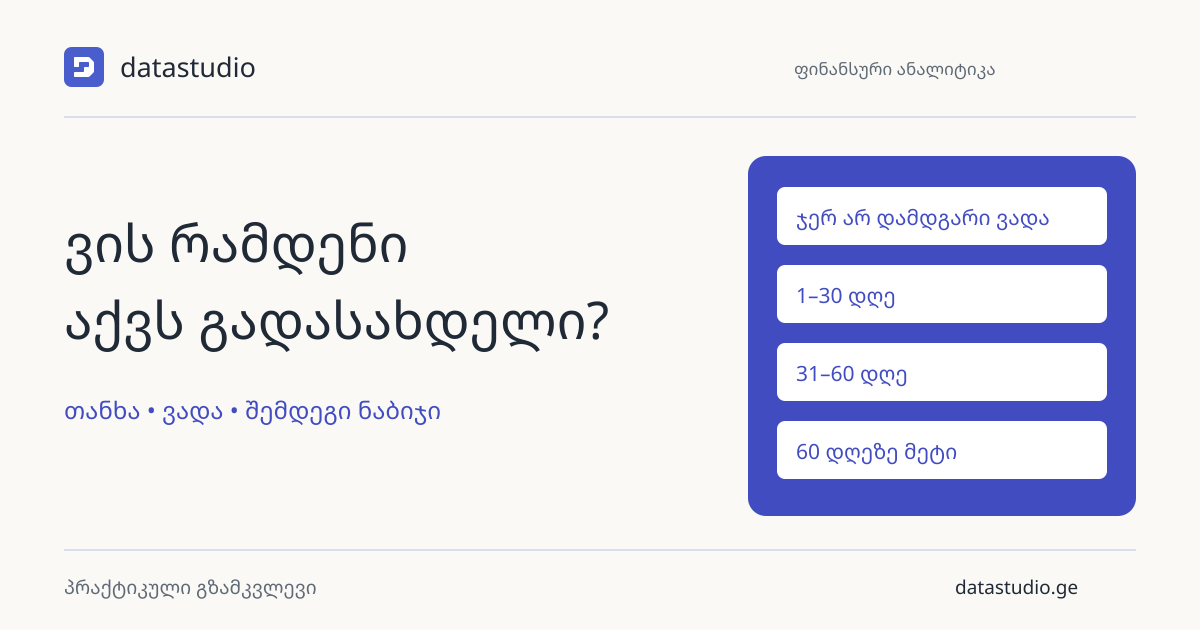
Separate not-yet-due amounts from 1–30, 31–60 and older overdue days, or use intervals appropriate to the business. Microsoft’s aging report similarly groups balances by date intervals. Keep bucket boundaries mutually exclusive.
Add fields that support action
Alongside customer, invoice and amount, include the responsible colleague, last contact and agreed next step. Mark disputed invoices separately so the team does not treat every old balance identically.
Viewing a report and updating a workflow status are different capabilities. Keep responsibility and notes in the working system where the team maintains them, and bring their current state into the report.
Reconcile the complete work list
Reconcile open documents to the appropriate control balance. Decide how advances, credits, cancellations and foreign currencies appear. Do not add different currencies into one total without an agreed conversion method.
In weekly reviews, separate amounts collected, newly overdue invoices and items requiring a decision. A useful starting point for a DataStudio project is a description of how invoices and payments are linked in your current system.
Put this into practice with your data
Tell us which reports you use and what you would like to improve. We will work out where to start together.
Tell us about your task